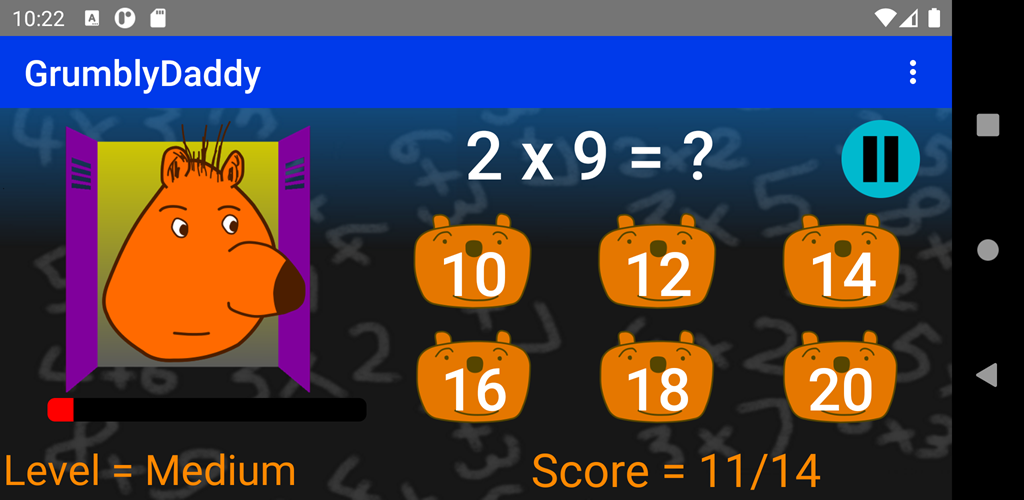
The GrumblyDaddy game
What is self-adaptivity?
This game asks math questions to the player, and handles questions that have received incorrect answers by:
- displaying them more often,
- giving the player more time to answer them,
- highlighting them in the statistics,
- highlighting them when the player reviews the tables.
This active behavior adds efficiency to the learning process.
Answer correctly to make daddy bear happier and happier. If you make mistakes, he gets grumpy… but you can tickle his nose and see what happens.
GrumblyDaddy is an educational app designed for children aged 5 to 12.
With daddy bear and his six sons, players can practice in a funny way:
- addition
- subtraction
- multiplication
- division
Why children enjoy GrumblyDaddy:
- simple and playful math practice
- a funny and expressive bear character
- learning adapted for primary school kids
- progressive discovery of the 4 basic operations
Why parents like it:
- the game’s self-adaptivity enhances the learning process
- players practice essential math skills
- learning happens through play
- the humorous universe helps keep attention
- suitable for young learners
GrumblyDaddy is ideal for children who are starting arithmetic or who want to strengthen their basic skills.
The game comes in a free version, limited to tables 1, 2 and 3, that you can find here in the Google Play Store. It features a Premium option that will unlock all the tables. Try it to get the game’s look and feel !
Details
The main screen
In the main screen, we discover a daddy bear overlooking his six sons who are trying to find the right answers to questions about addition, subtraction, multiplication and division operations.
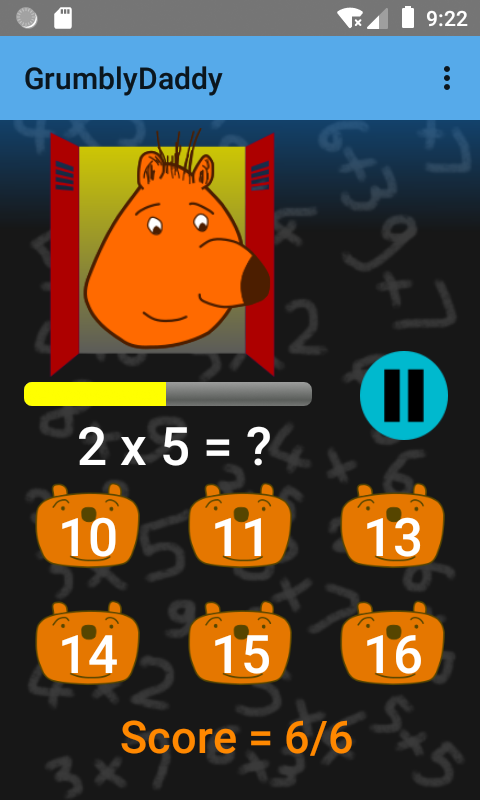
If they answer correctly, daddy bear is getting happier and happier.
If they don’t, daddy bear is getting angrier and angrier. However, to calm him down, you can tickle him on the nose. Do it, and see what happens !
You can pause at any time.
You can choose a difficulty level among Very Easy, Easy, Medium, and Difficult.
The GrumblyDaddy app aims to make arithmetic humorous and engaging. Players identify with the cubs in the app. The cubs love being watched over by their daddy bear, and being able to calm him down by tickling him on the nose when he gets angry. Also, when one of the cubs makes a mistake, the others like to make fun of him.
The statistics screen
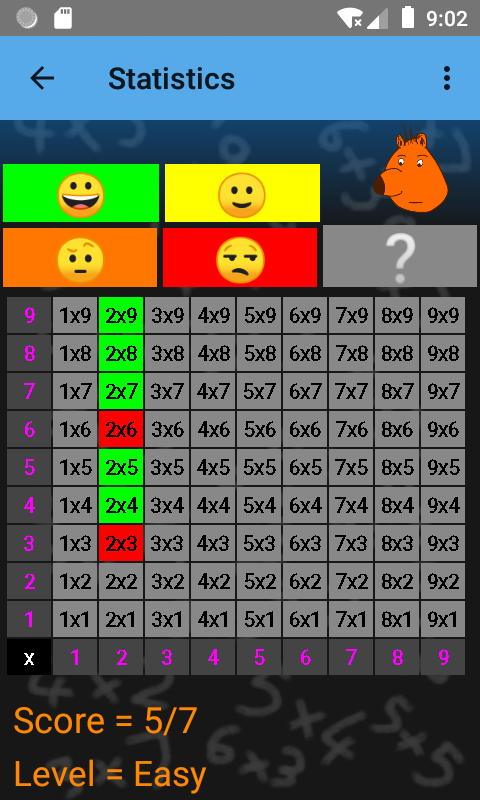
There is a statistics screen, showing the questions that were answered correctly and the ones that have room for improvement.&
The options screen
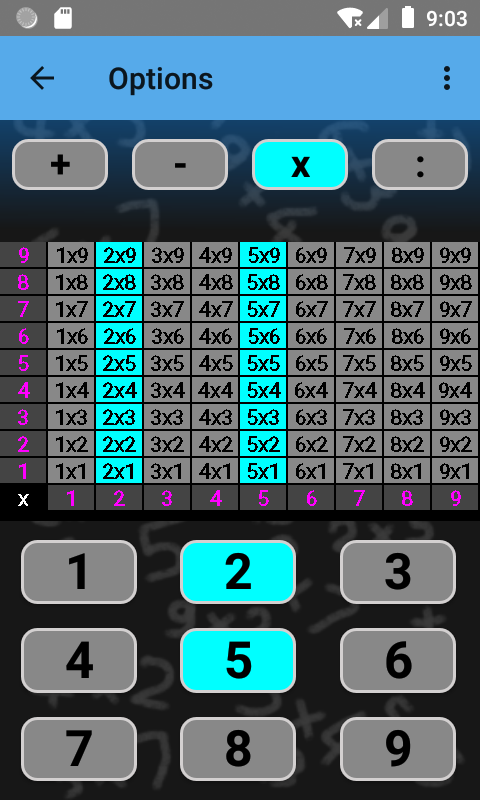
There is also an options screen to choose the tables you wish to practice.
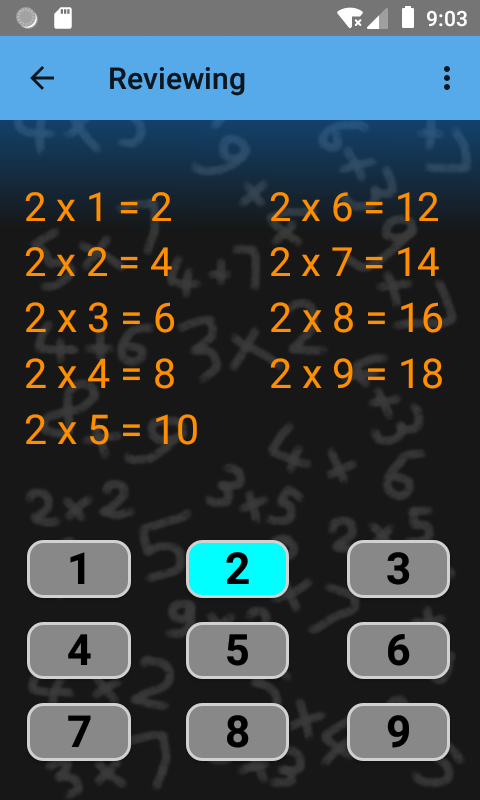
The revision screen
There is also a revision screen to learn or review the tables.
Video demo
You can view a quick video tour of this app.
Happy operations !
The app’s End-user licence agreement (EULA)
Contact: contact@grumblydaddy.com